BLOG01
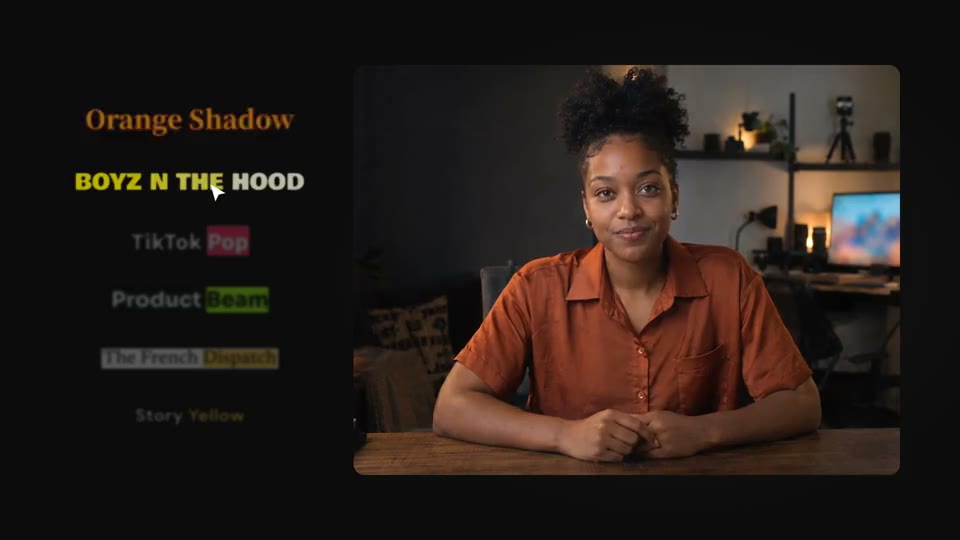
Caption design starts with reading.
A practical guide to readable video captions: phrase grouping, contrast, timing, technical terms and placement across changing footage.
Practical notes for making videos with Claude Code, Codex and an editable project. From the first brief to the last frame.
The brief, the skill, the tools and the review.
Start here ↗02 / MAKEProduct demos, motion graphics, speech and more.
Find a workflow ↗03 / CHOOSECompare agent-assisted and code-based editing.
Compare editors ↗Practical articles on coding agents, editable video projects and making your next video.
A practical guide to readable video captions: phrase grouping, contrast, timing, technical terms and placement across changing footage.
Learn how Claude Code can work with an editable video project: the creative brief, project context, media tools, visual review and safe iteration.
Understand code-based and programmatic video editing: editable compositions, frame-based animation, reusable parameters and where a visual editor helps.
A Codex video editing workflow built around project instructions, editable composition files, bounded revisions and actual frame and audio review.
Make a product demo people can follow. Plan the story, prepare a screen recording, edit for clarity and check the export with this practical guide.
Plan kinetic typography with a reading hierarchy, deliberate timing, reusable type components and frame-based review for readable motion design.
Make the words easy to read, time and follow.
Bring your screens, brand and next launch into one story.
Find the cutaway that makes a spoken idea easier to understand.
Give each scene one job, and every idea a clear visual.
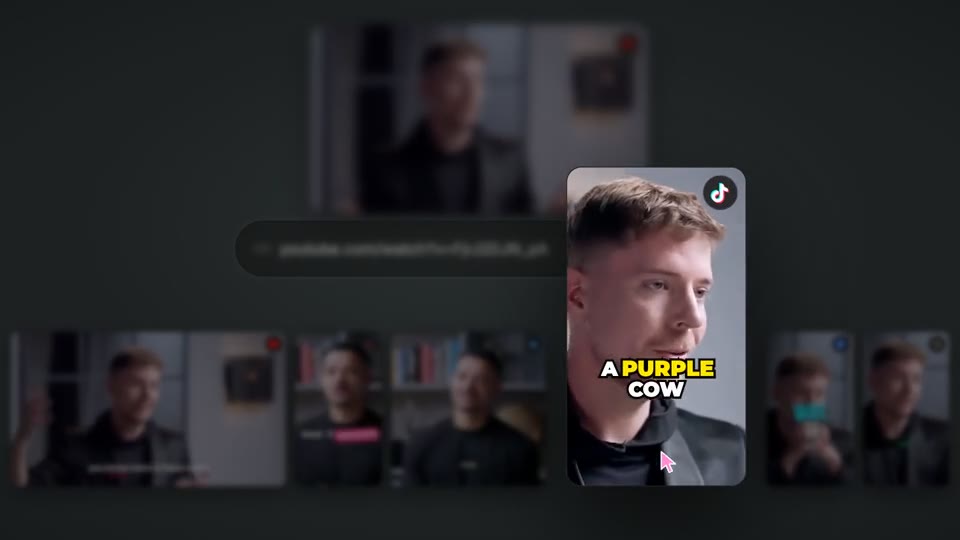
Find a complete idea in a longer video, then give it its own frame.
Put type, shapes and ideas into motion. Keep every layer editable.
Turn a screen recording into a clear, focused product story.
Set the mood and shape the energy around your story.
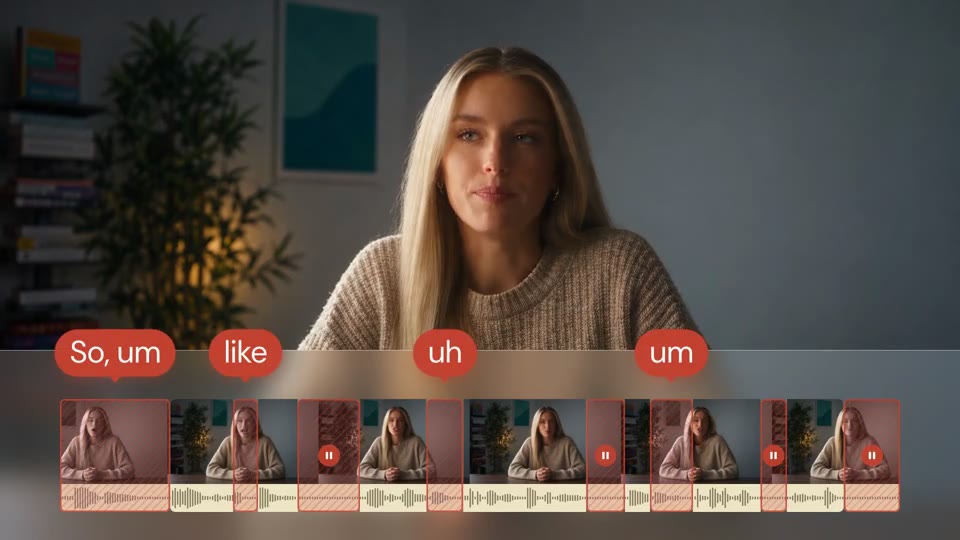
Tighten retakes and distracting pauses. Keep the delivery natural.
Give a spoken story better pacing, without losing its meaning.
Plan a new language version with the right words and timing.
Write for the ear, then fit the performance to the picture.
New resources will build on real editing questions, reusable workflows and what we learn while making VibeClip.
Subscribe via RSS ↗About the product ↗We’re building VibeClip for Mac.
Be part of what comes next.